

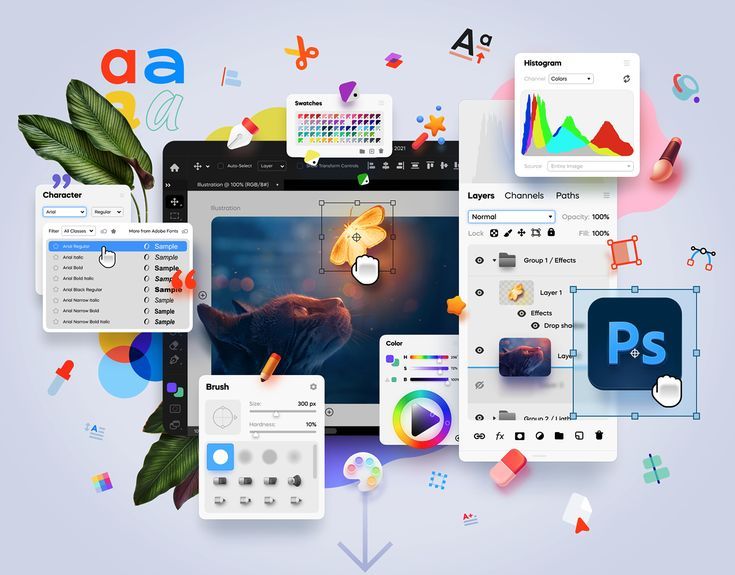
When it comes to web design, vector graphics are an essential component for creating scalable, high-quality visuals that enhance user experience and performance. The right vector design tools allow designers to create stunning logos, icons, and illustrations that remain crisp across all devices and screen sizes. Whether you’re a beginner or a seasoned professional, using the appropriate software can make a significant difference in the quality of your designs and the efficiency of your workflow. In this article, we’ll explore the best tools available for designing and editing vectors, from industry-standard software to free, open-source alternatives.
Vector design tools are essential for creating graphics that can scale without losing quality. Whether you're designing for the web, print, or mobile, the ability to resize images while retaining sharpness is crucial. The right tools provide the functionality and flexibility needed to create designs that work seamlessly across different media.
Why Vector Design Tools Matter:
Scalability: No loss of image quality when resized.
Precision: Fine control over lines, shapes, and colors.
Efficiency: Streamlined processes for quick design and editing.
Learn more about the importance of vector design tools.
While there are many free tools available, paid software often offers more advanced features that can enhance your design process. The industry-leading tools come with a host of functionalities such as precision editing, comprehensive libraries, and integration with other design tools.
Top Paid Vector Design Tools:
Adobe Illustrator: The most widely used vector design tool for professionals, offering robust features for creating detailed artwork, logos, and graphics.
CorelDRAW: Known for its user-friendly interface and powerful design tools, often used for print and branding projects.
Affinity Designer: A budget-friendly alternative to Illustrator, providing powerful vector and raster design capabilities.
Explore more about Adobe Illustrator and its capabilities.
If you’re looking for free alternatives to the premium tools, several high-quality options can help you design stunning vectors without breaking the bank. These tools offer a range of features suitable for both beginners and advanced designers.
Best Free Vector Design Tools:
Inkscape: A free, open-source tool that offers many of the same features as Illustrator, ideal for those on a budget.
Gravit Designer: A browser-based design tool with powerful vector editing features, perfect for quick projects or beginners.
Vectr: A simple and user-friendly vector editing tool that’s great for basic designs and editing.
Read more about free vector design tools.
Choosing the best vector design tool depends on your specific needs, level of experience, and the complexity of the projects you’re working on. Paid tools offer advanced features and integration with other software, while free tools provide excellent functionality without the cost.
Factors to Consider When Choosing a Tool:
Budget: Free tools can meet most needs, but premium tools offer additional features.
Project Type: More advanced projects may require the functionality of paid software.
Ease of Use: Some tools are better suited for beginners, while others cater to professionals.
Learn how to choose the best design tool for your projects.
Vector design tools are essential for creating scalable, high-quality graphics that can enhance your website’s design. Whether you choose paid tools like Adobe Illustrator or free alternatives like Inkscape, using the right software will ensure your designs are both professional and efficient. Start exploring the best vector design tools today and take your web design projects to the next level. For more resources and tips, visit SeekVector.
Occasional updates when we add new brands and formats. No spam, unsubscribe any time.